- Home
- Health and safety
- Office ergonomics and safety
Included in the Health and Safety Pack
Toolbox talk: Office ergonomics and safety
Offices have risks too: posture, screens, trips and stress.
Audience: Offices, remote work · 10 minutes
€9 excl. VAT€10.80 incl. VAT, this presentation only
Company licence included
Unlimited use and editing within your company, including to train your teams. Your tools in your brand colours: on quotation
Total:
See my selection (0)Card, PayPal, Apple Pay or Google Pay. No account. Invoice sent by email.
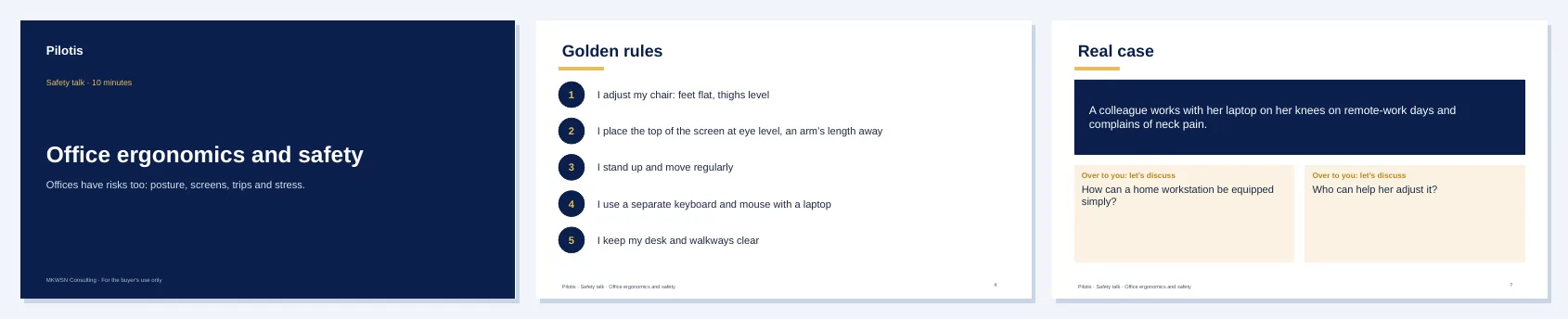
What it covers, in 8 slides
- Cover and objective
- Why talk about it
- Risk situations
- Golden rules
- The right equipment
- The right reflexes and emergency numbers
- A real case to discuss
- Takeaways and today’s commitment
The golden rules of this talk
- I adjust my chair: feet flat, thighs level
- I place the top of the screen at eye level, an arm’s length away
- I stand up and move regularly
- I use a separate keyboard and mouse with a laptop
- I keep my desk and walkways clear
Use it with
Risk assessment
For each work unit: hazards, risk situations, severity × likelihood score and the prevention action plan, to build or update your risk assessment.
See the toolGeneral awareness materials. They complement your risk assessment, internal rules and regulatory training without replacing them.
Optional extra · €5 excl. VAT
The practice quiz: 30 questions
Check you have mastered the method before applying it: concepts, method and worked case studies, each question corrected and explained.
- Corrected practice and timed mock exam
- Score by theme
- Questions and answers shuffled on every attempt
- File to keep, works offline
Test yourself · 3 questions
Can you answer these?
Instant answer and explanation. Free, no sign-up.
At what height should the top of the screen be?
- AAt desk level
- BOn the floor
- CWell above the eyes
- DRoughly at eye level, or slightly below
Frequently asked questions
- How long does a presentation last?
- About ten minutes: eight short slides, designed for a standing toolbox talk at the start of a shift or meeting.
- Can I edit the presentations?
- Yes: they are open PowerPoint files. Add your logo, a photo of your site or an internal rule.
- Do they replace mandatory training?
- No. They are awareness materials. They do not replace regulatory training (electrical authorisation, plant operation, work at height…) or your risk assessment.
- Can they be adapted to our company?
- Yes, on quotation: presentations in your colours, illustrated with your sites, and topics specific to your trade, as part of a consulting assignment.
The other toolbox talks
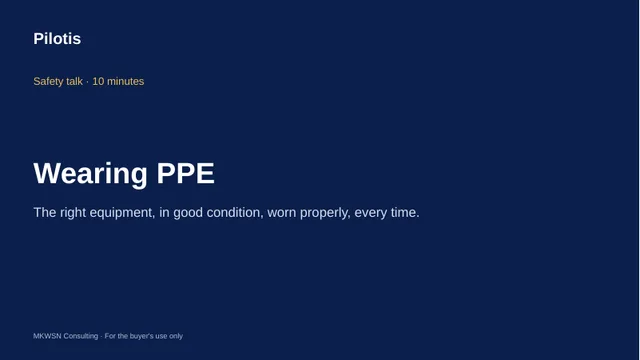
Wearing PPE
The right equipment, in good condition, worn properly, every time.
€9 · PPT and guide
Working at height
A fall from height, even a short one, can be serious: prevent it before going up.
€9 · PPT and guide
Housekeeping, 5S and slips and trips
Slips and trips: the most frequent accidents are prevented by keeping things tidy.
€9 · PPT and guide
Manual handling and posture
Your back is not a lifting tool: think before you carry.
€9 · PPT and guide
Electrical risk
Electricity cannot be seen or heard, and gives no warning.
€9 · PPT and guide
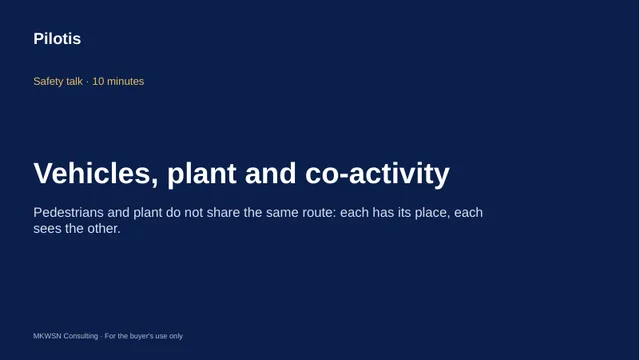
Vehicles, plant and co-activity
Pedestrians and plant do not share the same route: each has its place, each sees the other.
€9 · PPT and guide